Wear.
Put on your Meta Ray-Ban glasses and keep your iPhone nearby.
A voice agent for Meta Ray-Ban
Chachan puts a voice agent in your glasses. Your phone stays locked in your pocket.
Speak anytime to interrupt.
Set up once
Put on your Meta Ray-Ban glasses and keep your iPhone nearby.
Tap the side of your glasses. The cha-chan chime means ready.
Ask naturally, interrupt mid-answer, and keep the conversation going.
A quiet interface
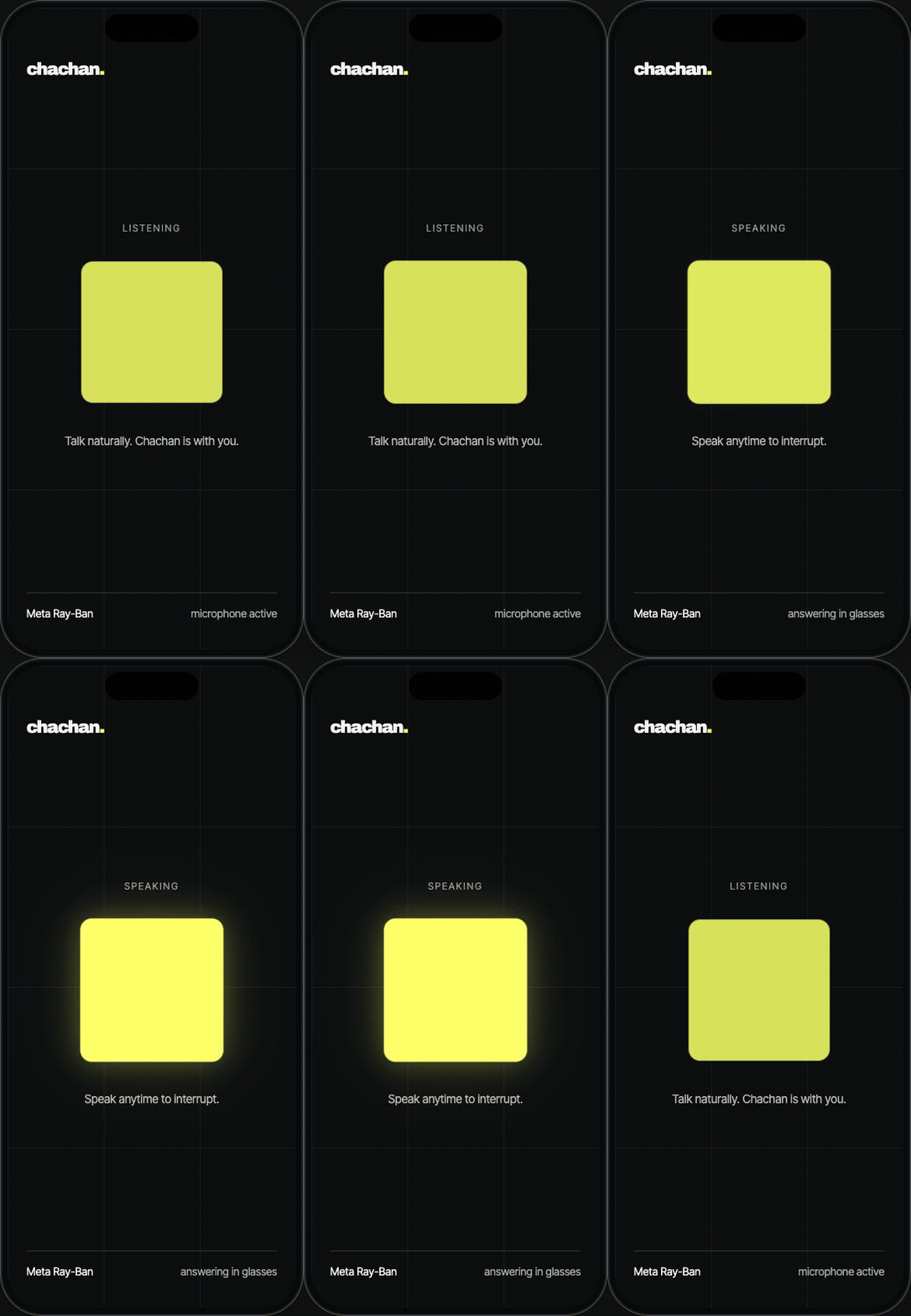
The screen only tells you whether Chachan is ready, listening, or speaking. Everything important is also knowable by ear.
Privacy by design
Voice is processed when you activate Chachan. Approximate location and remembered conversations stay optional and controlled in the app.
Read the privacy policy ↗Your request is processed when you activate Chachan—not as a background recording.
Approximate location is used only when enabled for nearby and local answers.
Conversation memory can be disabled independently from the core voice experience.
Get the beta
Apple’s free beta-testing app.
Accept the invite and tap Install.
Connect your glasses. Chachan is ready.